
-Jan-19-2026-06-28-03-5112-PM.png?width=450&height=450&name=Round%20Blog%20Thumbnail%20(18)-Jan-19-2026-06-28-03-5112-PM.png)
Traditional CRMs were built first for sales teams. They focus on who the customer is and what happened in the past. They do not spend much time helping you manage what happens after the deal closes.
That gap becomes obvious once customer support, renewals, and retention start to matter more than new sales alone. This is where HubSpot Service Hub works differently. It does not treat service as an add-on. It treats service as part of the full customer relationship.
This article outlines the differences. You will see how traditional CRMs work and how Service Hub was designed to solve specific problems.
Traditional CRMs vs HubSpot Service Hub
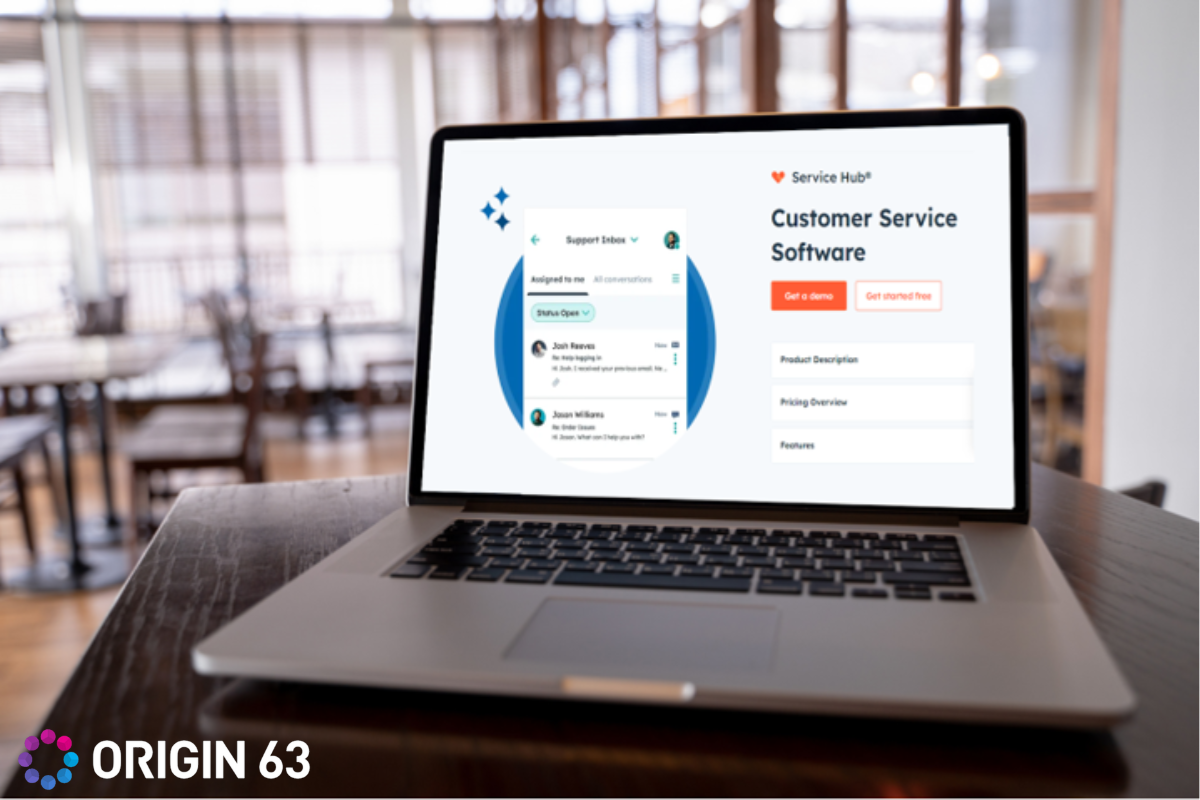
Traditional CRMs and HubSpot Service Hub differ in three main areas that affect daily service work.
Contact and Interaction Tracking
Traditional CRMs focus on storing basic contact information. You keep names, email addresses, phone numbers, and company details in one place. Calls and emails are logged, and notes are added after meetings. This works well when your main goal is tracking follow-ups and sales activity.
The limitation appears after the deal closes. Customer issues are not fully visible. Support conversations, product usage data, and feedback often live in separate systems. Over time, the CRM becomes a record of past activity rather than a tool that supports real-time service decisions.
With HubSpot Service Hub, contact and interaction tracking includes service activity by default. Tickets, conversations, feedback, and calls all update the same customer record in real time.
This provides context for every interaction. You see past issues and current activity without switching tools. Conversations move faster because you are not starting from zero each time.
Support Tools and System Structure
Most traditional CRMs were not designed for service teams. Support usually requires a separate help desk tool. Even when that tool connects to the CRM, the connection is limited.
This separation may prevent support agents from seeing sales notes and sales teams from seeing open tickets. Customers often repeat the same issue because systems do not fully share information. Internally, data becomes fragmented and harder to rely on.
HubSpot Service Hub includes ticketing, shared inboxes, knowledge base tools, and feedback surveys on a single platform. These tools are part of the system rather than add-ons.
Tickets connect directly to contact and company records. Updates stay tied to the full customer history. This keeps teams aligned and reduces confusion during handoffs.
Automation and Workflow Design
Traditional CRMs are often limited. Ticket routing, response-time tracking, and service standards typically require custom configurations or third-party tools. As support volume grows, more manual work is needed to maintain consistency.
HubSpot Service Hub includes automation designed for service teams. Tickets can be routed based on issue type or priority. Response time goals are tracked automatically. Follow-ups trigger without manual steps.
This setup supports growth without adding operational strain. Agents spend less time managing queues and more time resolving customer issues.
5 Real Scenarios That Show the Difference
To make the differences easier to see, the examples below show real service scenarios where using HubSpot Service Hub makes more sense than relying on a traditional CRM.
1. A customer contacts support after a sale was made
In a traditional CRM, the support agent often sees only basic contact details. The original sales conversation lives in notes or another system. The agent must ask clarifying questions or search records. The customer feels like the company is not aligned internally.
With HubSpot Service Hub, agents can see the full timeline. Sales notes, deal context, and prior emails are visible next to the ticket. The agent understands the terms and responds accordingly. The conversation starts from a place of clarity instead of recovery.
This approach aligns with HubSpot findings that 72% of service leaders report faster ticket resolution when agents have access to full customer context in a single system.
2. A long-term customer reports a recurring issue
In many traditional CRMs, each support interaction feels separate. Past issues are not easy to spot. The agent treats the ticket as a single event and resolves it in isolation.
In Service Hub, recurring tickets are visible on the same record. The agent notices the pattern and adjusts the response. Instead of a quick fix, the agent can escalate or recommend a long-term solution. The customer feels heard rather than handled.
3. A ticket is handed off between teams or shifts
Traditional CRMs rely heavily on internal notes or external tools during handoffs. Important details can be missed. The next agent may need to ask the customer to repeat information.
With Service Hub, the ticket, contact properties, and full interaction history move together. The next agent sees the issue status, previous responses, and customer context immediately. The handoff feels seamless to the customer, even though multiple people are involved.
4. Support volume increases during a busy period
As ticket volume grows, traditional CRMs often struggle. Manual routing and follow-ups increase. Agents spend more time managing queues than solving issues. Response times become inconsistent.
Service Hub handles growth differently. Tickets route automatically based on issue type or priority. Response time goals are tracked automatically. Agents focus on resolution rather than administration, keeping service quality stable during periods of high demand.
This matters in practice because teams using Service Hub have reported a 57% increase in ticket close rates within six months, and 72% of service leaders say HubSpot increased their customer lifetime value after adopting Service Hub.
5. Sales reaches out to a customer after a support interaction
In a traditional CRM, sales outreach can feel poorly timed. A rep may contact a customer who recently had an unresolved issue. This creates frustration and damages trust.
With Service Hub, sales sees open and recent support tickets on the same record. Outreach becomes more thoughtful. The rep can wait, acknowledge the issue, or coordinate with support. The customer experiences continuity instead of a disconnect.
When HubSpot Service Hub Makes the Most Sense
If retention matters as much as acquisition
When renewals, expansions, and long-term relationships drive revenue, service becomes strategic. Service Hub supports this shift by giving you tools to monitor and improve customer health.
You move from reacting to issues to anticipating them. That change often leads to stronger retention without adding headcount.
If sales and service need to work together
Misalignment between sales and support creates frustration. Promises get lost. Expectations get missed.
Service Hub reduces this gap by providing both teams with a shared view of the customer. Conversations become more consistent. Trust improves on both sides.
If you want structure without rigidity
Some systems force you into fixed processes. Others require constant customization. Service Hub sits in the middle.
You get structure through tickets, workflows, and automation. You also get flexibility through configuration. This balance makes it easier to adapt as your team grows.
How to Migrate from your CRM to HubSpot Service Hub
HubSpot offers guided migration support for several popular CRMs, making it easier to move your data and transition your service operations without major disruption. This support is available for the following platforms:
- ActiveCampaign
- Copper
- Keap
- Mailchimp
- Microsoft Dynamics 365
- Pipedrive
- Zoho CRM
- Marketo
- Salesforce Account Engagement (Pardot)
How the Migration Process Works
The migration process starts with your HubSpot account representative. Once you request migration, your account rep connects you with HubSpot’s internal Replatforming Team.
Once your agreement is confirmed, a replatforming specialist will contact you directly. This specialist outlines the migration plan and explains what data will be moved first. Their role is to keep the process smooth and predictable.
Next, install the CRM migration app for your current platform. The specialist provides a direct link to the correct app in the HubSpot App Marketplace. You can also find it in the marketplace if needed.
Once the app is installed, the migration runs in the background. You do not need to manually move records or rebuild data during this step.
How to Review Your Migrated Data
Once the migration is complete, you will receive an email notification. To review the results inside HubSpot:
- Open your HubSpot account
- Click the settings icon in the top navigation
- Go to Integrations, then Connected Apps
- Select the CRM integration you used
- Click Run audit
Once the audit is complete, you can download the audit file. This file shows a clear breakdown of what was migrated, including:
- A summary of imported objects
- A list of created properties
- How each property maps to HubSpot data types
This makes it easy to confirm that your contacts, companies, and related data transferred correctly.
Tool Compatibility Through HubSpot Integrations

Moving to HubSpot Service Hub does not mean giving up the tools your team already uses. HubSpot supports a wide range of integrations so your existing workflows can continue.
Built-in Integrations Support Everyday Tools
Service Hub integrates directly with widely used platforms across core service functions, including:
Email and inbox tools
- Gmail
- Microsoft Outlook
These integrations automatically sync email conversations to contact and ticket records, keeping communication history complete without manual logging.
Calling and voice tools
- Aircall
- RingCentral
- Dialpad
- Zoom Phone
Call activity, recordings, and outcomes appear directly on the customer record, giving agents full visibility into voice interactions.
Chat and messaging tools
- HubSpot Live Chat
- Slack
- Facebook Messenger
- WhatsApp Business
Messages from these channels flow into the shared inbox and link to the same contact and ticket records, keeping conversations centralized.
Customer support and help desk tools
- Jira
- Zendesk
- Freshdesk
These integrations enable ticket data and issue context to sync across systems, helping teams coordinate service and engineering work.
Customer feedback and survey tools
- SurveyMonkey
- Typeform
Feedback responses sync to contact records, making it easier to track satisfaction trends and follow up when needed.
With these integrations in place, agents continue to work within familiar tools, while HubSpot maintains a unified customer record behind the scenes.
Custom Integrations are Also Available
For teams using industry-specific or proprietary software, HubSpot supports custom integrations through APIs and middleware platforms such as:
- Zapier
- Make
- Tray.io
These tools automatically integrate data from billing platforms, subscription systems, product analytics, and internal databases into Service Hub.
With HubSpot Service Hub, your team can transition gradually and maintain continuity across service workflows.
Bottom Line
Traditional CRMs were designed to answer a narrow question. Who is the customer and what happened during the sale? That model worked when growth depended mainly on closing new deals.
Today, growth often depends on what happens next. How quickly issues are resolved. How clearly expectations are met. How do customers feel over time?
HubSpot Service Hub reflects this shift. It treats service as part of the relationship rather than a side function. If you want a clear explanation of how it can specifically support your business, we can help you choose the tools that make the most impact.
Talk to Origin 63 today and start improving how your team understands and manages every customer relationship.










.png?width=90&height=90&name=Arrows%20Partner%20Badge-test%20(1).png)